
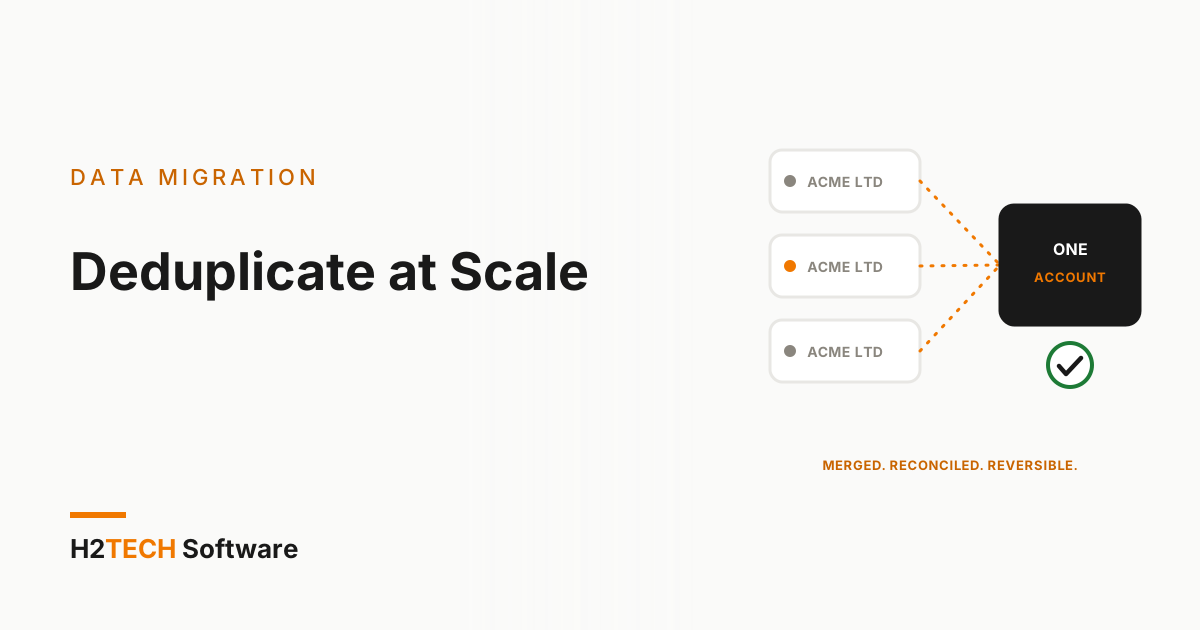
If you plan to deploy an AI agent on your CRM, you will first need to deduplicate Salesforce data at scale. An agent can only answer from the records it finds. When one customer exists as three accounts, with open opportunities on one, cases on another and the billing contact on the third, the agent gives a confident answer based on a third of the picture. Clearing a backlog of duplicates is a different job from stopping new ones, and it is where most clean-up projects go wrong.
Why scale changes the problem
With fifty duplicates, a person can open both records, compare them and click merge. With several hundred thousand, every judgement call turns into a rule, and every rule runs thousands of times. A rule that is slightly too eager merges two genuinely different customers, and that is far harder to spot and undo than a duplicate left alone.
So the aim is not to remove as many duplicates as possible. It is to remove the ones you are sure about, queue the ones you are not, and leave a clear trail for both.
1. Match in tiers, not in one pass
Split your matching into confidence levels and treat each one differently:
- Exact keys. A shared external ID, a normalised tax or company registration number, or the same website domain on two accounts. These can usually merge automatically.
- Strong matches. The same normalised name and postcode, or the same email address across two contacts. These go to a review queue with the evidence shown.
- Weak matches. Similar names only. Flag them, but never merge them automatically.
Normalise before you match. Strip punctuation, standardise “Ltd”, “Limited” and “Inc.”, fix casing and put phone numbers into one format. Most missed duplicates are down to formatting, not to clever data problems.
2. Write survivorship rules down
When two records merge, someone has to decide which one wins and which values carry across. Settle this in writing before anything runs:
- Which record survives: the oldest, the most complete, or the one with live opportunities?
- Field by field, which value wins: the most recent non-blank value, or the one from the system you trust most?
- Who owns the merged record if the two owners differ?
These are business decisions, not technical ones, and sales, service and finance will not agree on instinct. We covered the same discipline for cross-org projects in merging five regional orgs into one, where the deduplication and ownership policy was signed off before a single record moved.
3. Protect everything attached to the record
A merge is not just two rows becoming one. Contacts, opportunities, cases, contracts and activities all hang off the account, and each needs to land on the surviving record. Check account hierarchies first, so you never merge a parent into its own child, and list every integration that stores a Salesforce ID, because a retired ID can break a downstream sync quietly.
The principle is the one behind preserving the relationship graph in a migration: the records matter less than the connections between them.
4. Make every merge reversible
Assume some merges will be wrong and plan how to undo them:
- Take a snapshot of the affected records before each batch.
- Store the retired record’s ID on the survivor, in a field built for the purpose.
- Rehearse in a sandbox seeded with connected data, as described in sandbox seeding without the broken lookups, then run a small pilot batch in production.
- Reconcile counts after each batch: records in, records out, children re-parented, anything left orphaned.
A batch that cannot be reversed or reconciled should not run.
5. Stop the duplicates coming back
Clearing the backlog is only half the job. Matching controls at the point of entry help, but web forms, list imports and integrations are the usual back doors. Point every one of them at the same match keys you used in the clean-up, and name a data owner who reviews the weak-match queue each month.
6. Prove it with the agent
Before you call the clean-up finished, pick twenty customers you know well, including a few awkward ones, and ask the agent about each. Check that it finds the right account, the full history and the right owner. This is a cheap test, and it fits naturally into a wider data hygiene pass before you deploy an AI agent.
How we help
Our data migration engagements start with an audit of your source data, covering duplicate records and relationship complexity, followed by cleansing and deduplication before data lands in your org. iSyncSF, our Salesforce-native tool, supports the safety net: built-in validation and cleansing rules and relationship-intact data for sandbox rehearsals. Each engagement ends with a reconciliation report showing exactly what moved and what changed. Where we use AI agents on the analysis, we absorb the compute cost, and a certified engineer reviews every output, including each proposed matching rule, before it touches your data.
Key takeaways
- To deduplicate Salesforce data at scale, match in tiers: merge exact keys automatically, review strong matches and never auto-merge weak ones.
- Write survivorship and ownership rules down before the first merge, and check hierarchies and integrations that depend on record IDs.
- Make every batch reversible and reconciled, then close the back doors so duplicates do not return.